View post

Aleph 2.0
AI video workflowAleph 2.0 AI video workflow
Aleph 2.0
Aleph 2.0 is an AI video editing workflow for Runway Aleph 2.0, built around frame-guided control, localized video edits, motion preservation, and creator dashboard access.
Aleph 2.0 dashboard
Generate an Aleph 2.0 video
Aleph 2.0 preview
Generated video result
Preview
Overview
What is Aleph 2.0?
Aleph 2.0 is positioned as a practical AI video editing workflow for creators who want more than simple text-to-video prompting. The emphasis is on Runway Aleph 2.0, frame-level control, localized changes, source preservation, and short-form creator output.
It gives search users a quick path from product overview to the working dashboard.
Community
X Posts About Aleph 2.0
Basic
Ideal for hobbyists and beginners
$9.90/m
$118.80/year
$238.80Save 50%
12,960 credits/year
1,080 credits/month average
Up to 308 videos/year
- Runway Aleph 2.0 AI Video
- Multiple AI video models
- Standard generation speed
- No watermark
- Private generation
- Customer support
- Commercial Use License
Standard
Perfect for most creators
$19.90/m
$238.80/year
$478.80Save 50%
26,160 credits/year
2,180 credits/month average
Up to 622 videos/year
- Runway Aleph 2.0 AI Video
- Multiple AI video models
- Priority generation
- No watermark
- Private generation
- Priority customer support
- Commercial Use License
Pro
Ideal for power users
$49.90/m
$598.80/year
$1198.80Save 50%
65,760 credits/year
5,480 credits/month average
Up to 1,565 videos/year
- Runway Aleph 2.0 AI Video
- Multiple AI video models
- Fastest generation speed
- No watermark
- Private generation
- Expert team support
- Commercial Use License
Features
Key Aleph 2.0 features
Runway Aleph 2.0 editing
Work from existing footage and guide precise AI video edits with a focused Aleph 2.0 workflow.
Single-frame control
Preview a keyframe-level change before carrying the edit through the rest of the video.
Localized video edits
Change selected objects, products, backgrounds, wardrobe, lighting, or style while preserving more of the source.
Motion preservation
Keep the original action, camera movement, and timing closer to the input clip during targeted edits.
30s 1080p workflow
Plan edits around short-form clips, ads, product videos, and social content up to 30 seconds.
Creator dashboard
Move from Aleph 2.0 overview to dashboard testing without breaking the product flow.
Use Cases
Best use cases for Aleph 2.0
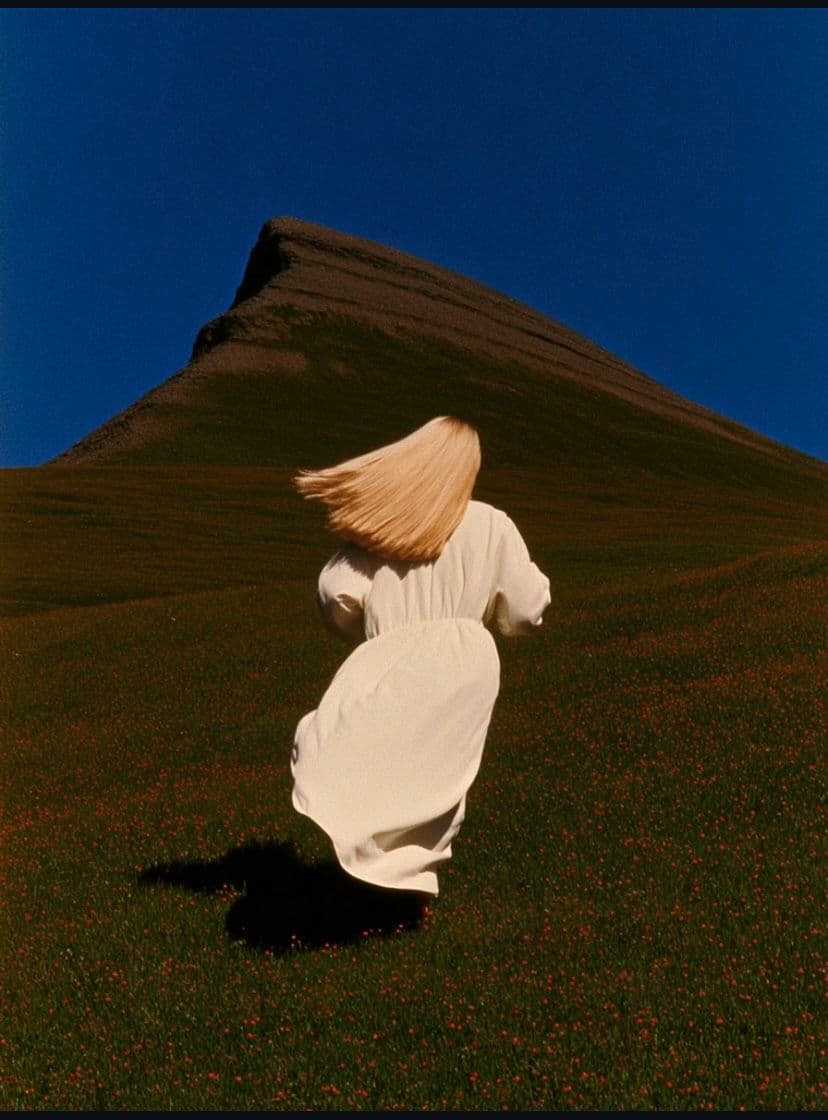
Trailer scenes
Build teaser shots with lens notes, impact beats, and tighter cinematic rhythm.
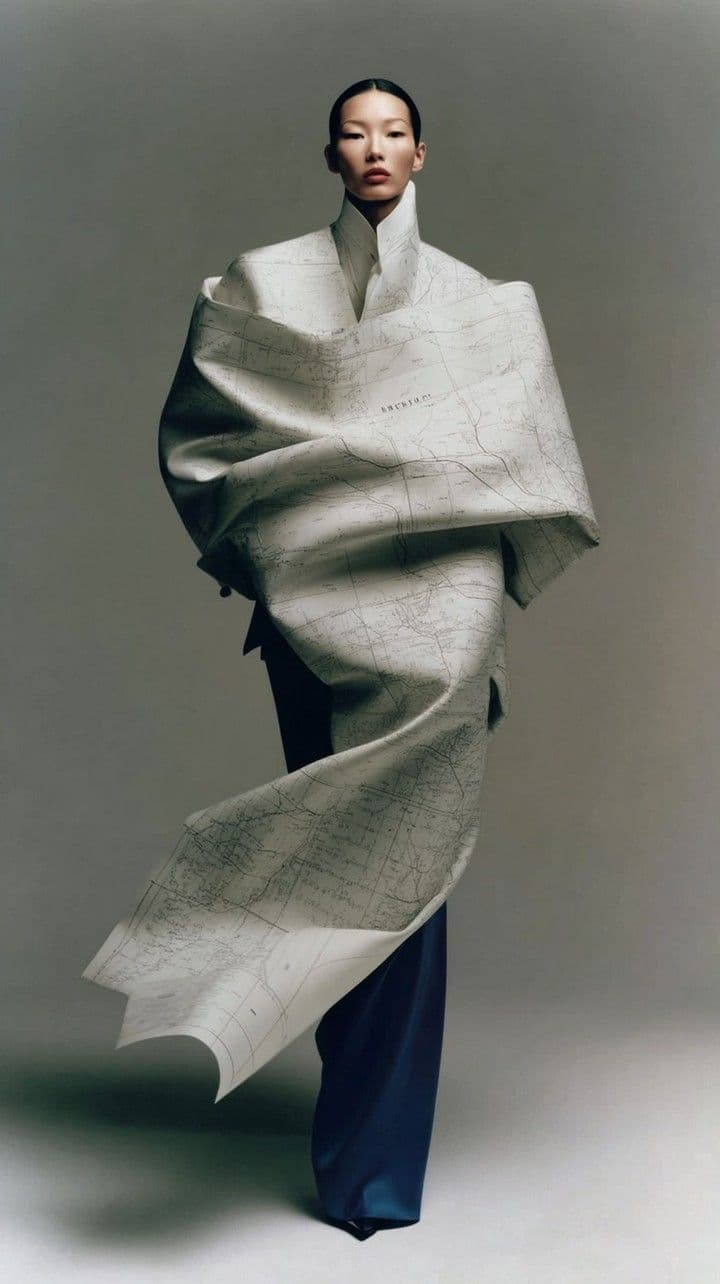
Fashion motion
Turn still references into polished motion pieces with deliberate camera drift and continuity.
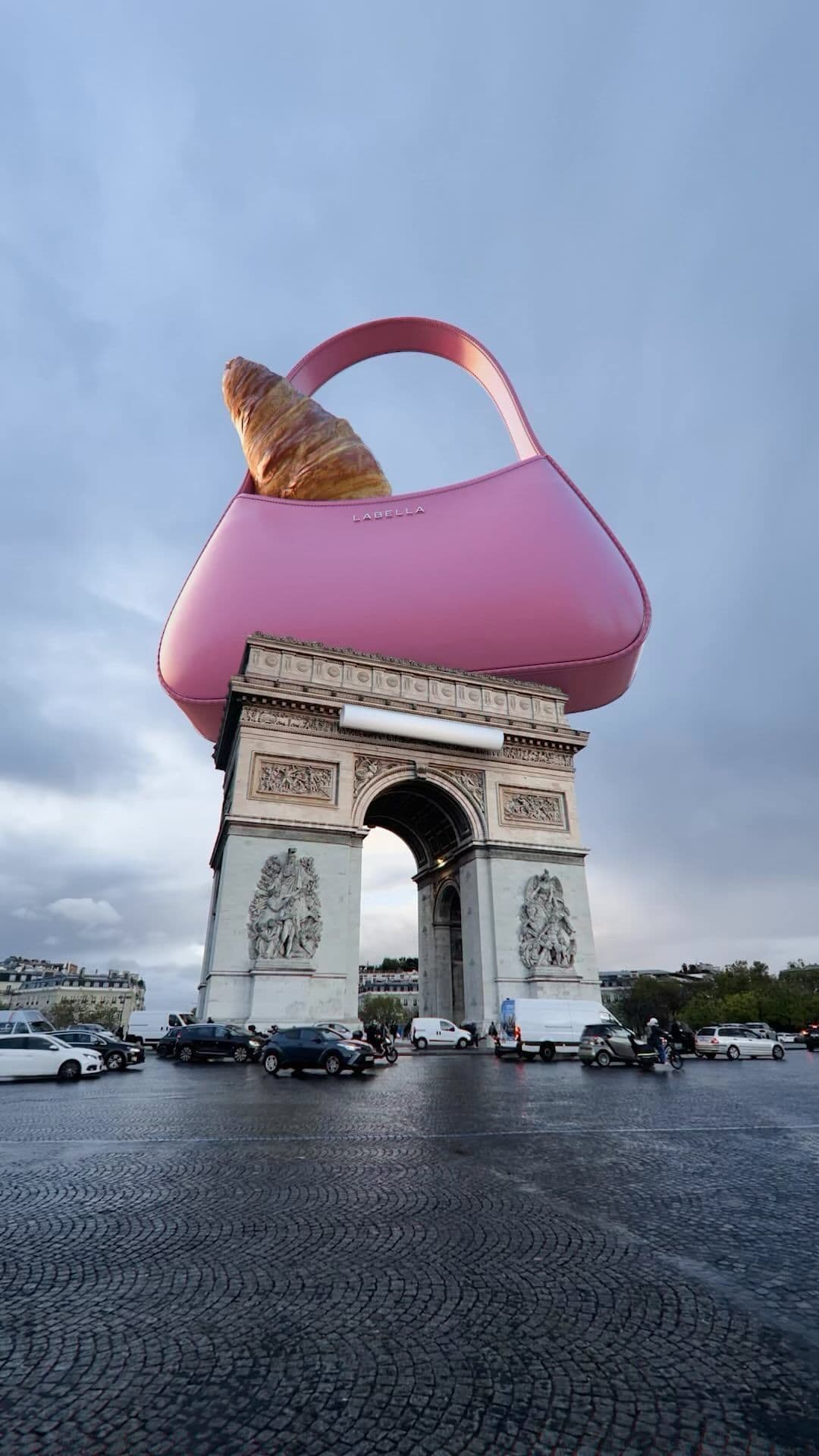
Product films
Create launch visuals with moody lighting, reflective surfaces, and clean reveal shots.
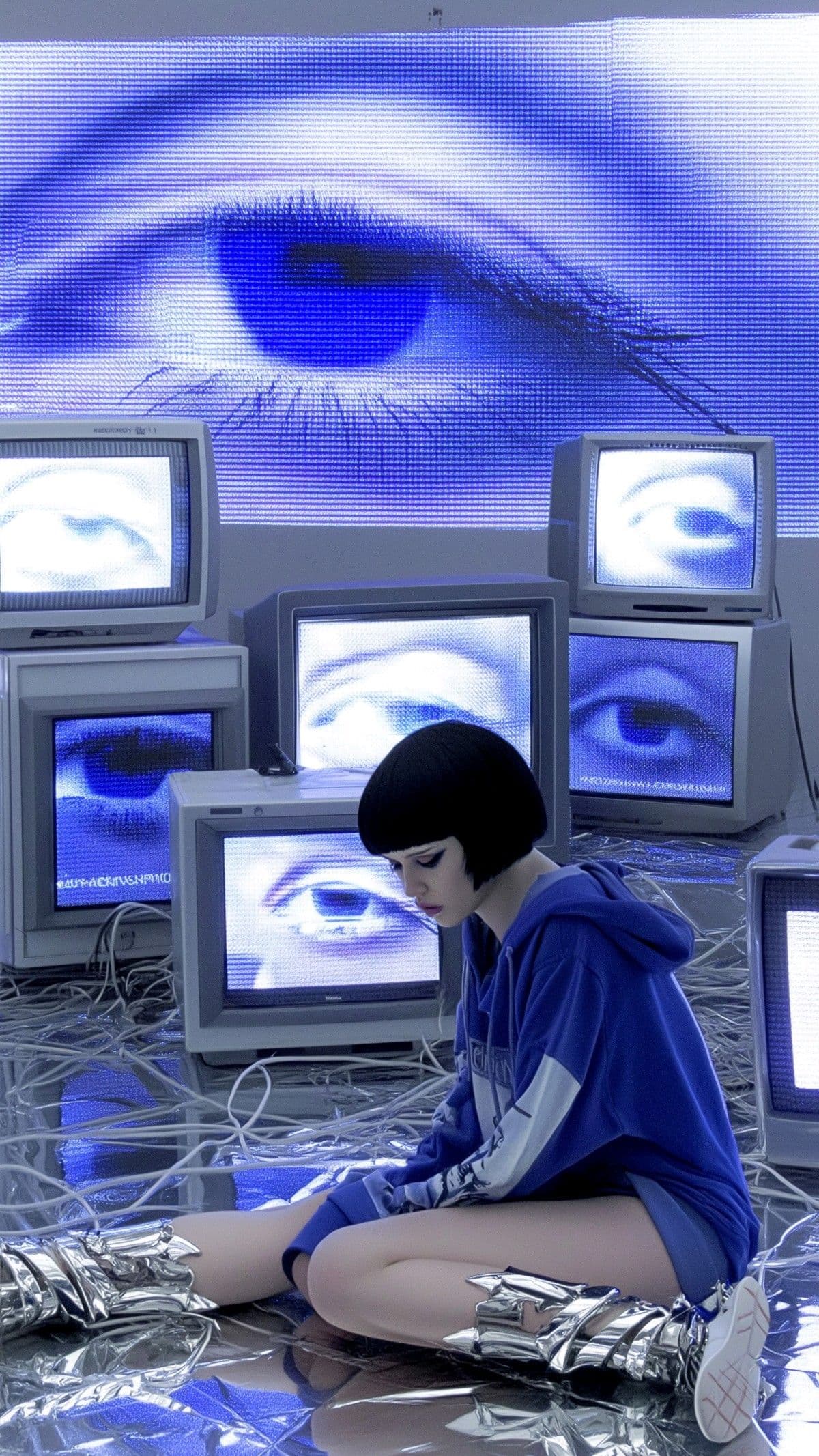
Music visuals
Explore surreal transitions and stylized motion for music-driven visual concepts.
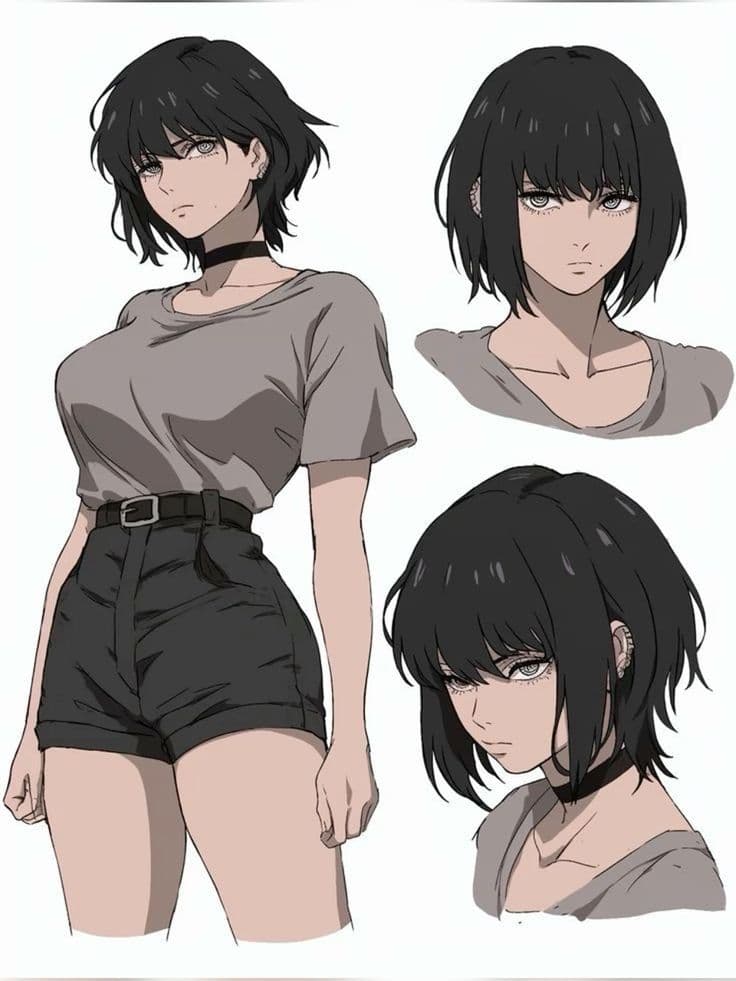
Character tests
Test identity consistency across angle changes, expressions, and stylized scene variants.
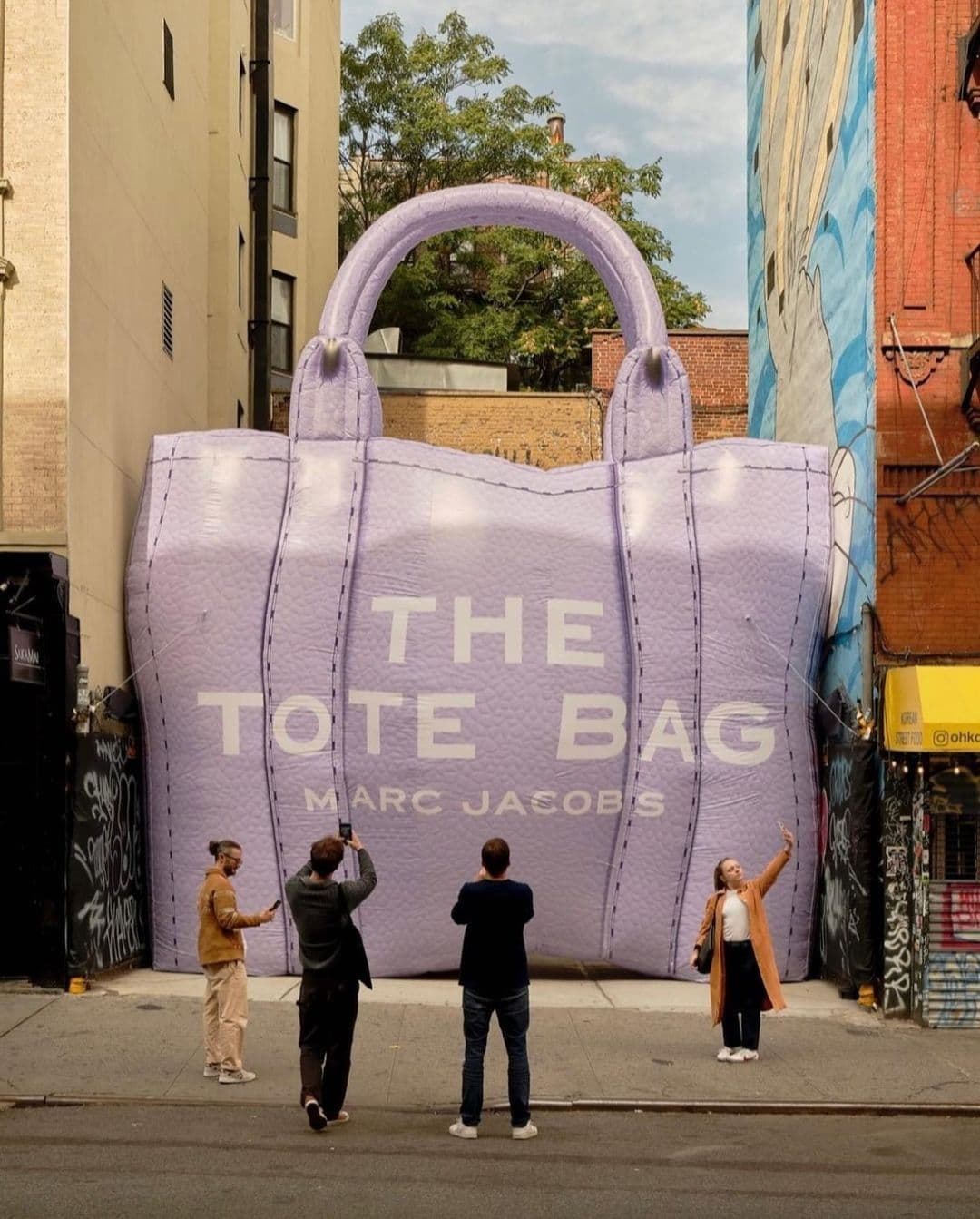
Social ads
Run repeatable vertical ad concepts with clearer hooks, motion presets, and faster iteration.
Overview
Why creators use Aleph 2.0
Aleph 2.0 is built around frame-guided AI video editing, not just a single prompt box. It is designed for creators who want stronger control over existing footage, localized edits, motion preservation, and continuity.
That makes Runway Aleph 2.0 a strong fit for product swaps, background changes, relighting, restyling, social ads, and other short-form video work where repeatable edits matter.
Model Fit
Where Runway Aleph 2.0 fits
Runway Aleph 2.0 is best understood as an AI video editing model: start with source footage, define a specific visual change, then keep the edited result aligned with the original motion and scene structure.
Use Aleph 2.0 when you want to swap products, adjust backgrounds, relight a shot, restyle a clip, or make localized edits without rebuilding the whole video from scratch.
Workflow
How the Aleph 2.0 workflow works
Start with source footage
Use Aleph 2.0 to begin from an existing clip, then define the object, background, lighting, or style change you want.
Preview the keyframe
Shape a selected frame first so the Runway Aleph 2.0 edit has a clearer visual target before full video generation.
Generate the edited clip
Launch the task through the Aleph 2.0 dashboard for queueing, status checks, and AI video rendering.
Editing Goals
Common Aleph 2.0 video editing tasks
Turn one strong source clip into multiple product, background, lighting, and style variations.
Use frame-guided edits when the original camera movement and subject timing need to stay intact.
Prepare short-form ad, fashion, product, and social video variants without restarting from a blank prompt.
Keep Aleph 2.0 prompts, reference uploads, credit estimates, and previews in one dashboard.
Turn one strong source clip into multiple product, background, lighting, and style variations.
Use frame-guided edits when the original camera movement and subject timing need to stay intact.
Prepare short-form ad, fashion, product, and social video variants without restarting from a blank prompt.
Keep Aleph 2.0 prompts, reference uploads, credit estimates, and previews in one dashboard.
FAQ
Frequently asked questions about Aleph 2.0
What is Aleph 2.0?
Aleph 2.0 is Runway's upgraded AI video editing model, focused on frame-guided edits, localized changes, and preserving more of the original footage.
What can Aleph 2.0 do?
It is useful for product swaps, background replacement, relighting, restyling, object removal, wardrobe changes, and short-form video variations.
Does Aleph 2.0 include a dashboard?
Yes. The site includes a dashboard for prompts, reference uploads, task submission, and status tracking.
Who should use Aleph 2.0?
It is best suited to creators, marketers, designers, editors, and indie teams who want more control over prompts, references, and output.
Can Aleph 2.0 be used for image to video generation?
This site focuses on Aleph 2.0-style AI video editing workflows, including reference-guided edits and dashboard-based generation.